The 2024 Blueprint for Executives
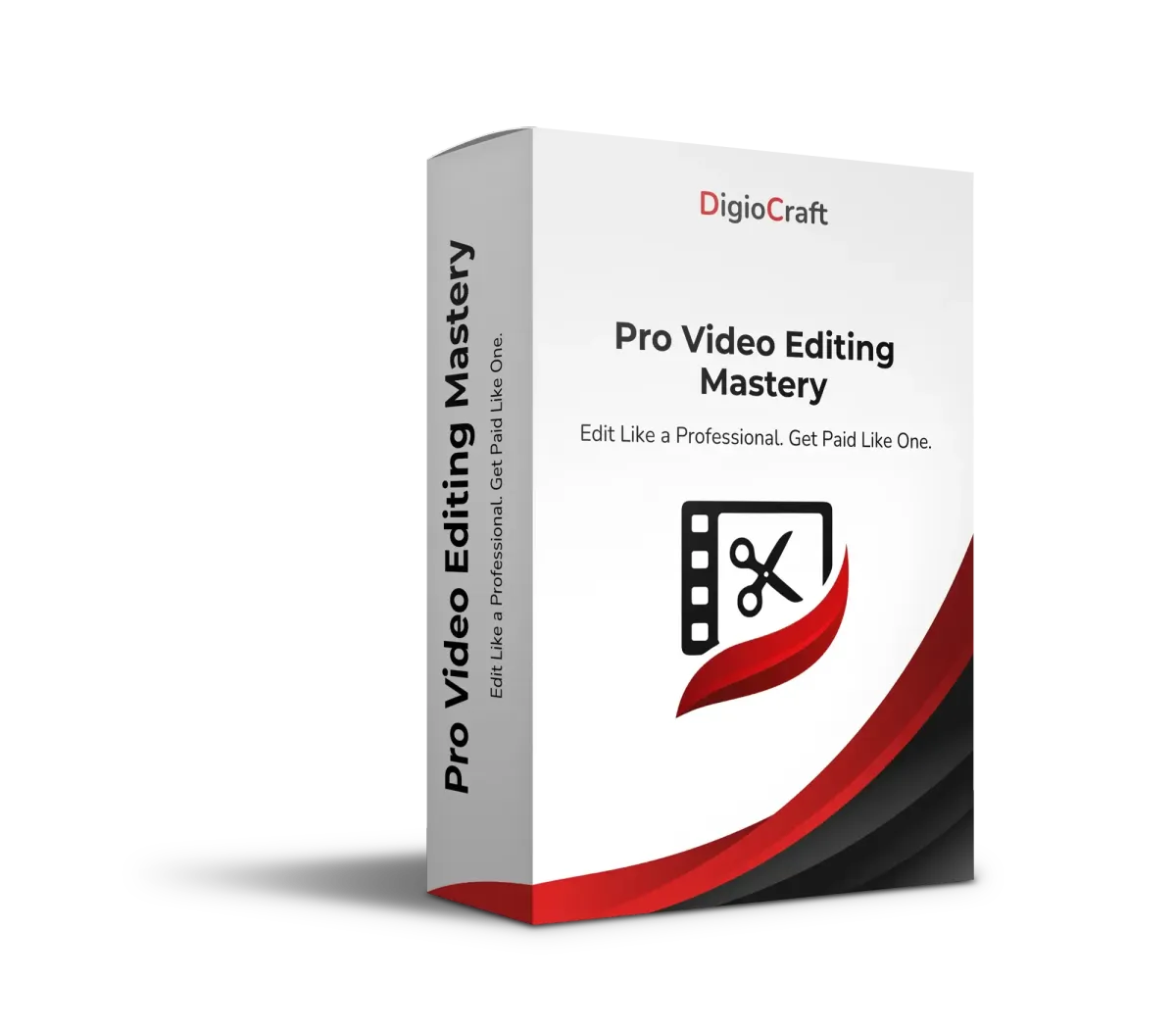
Pro Video Editing
Mastery
Learn professional video editing workflows to create polished, high-impact videos for content, clients, ads, and courses — without confusion or wasted time.
Built for creators, businesses & educators
What You’ll Master
Professional Editing Workflows
Learn structured editing processes used by professionals to work faster and cleaner.
Storytelling Through Editing
Master pacing, cuts, transitions, and flow that keep viewers engaged from start to finish.
Speed, Quality & Consistency
Edit efficiently while maintaining high production quality — every single time.
Why This Course Matters
Good editing isn’t about effects —
it’s about clarity, rhythm, and storytelling.
Most editors struggle because they:
Edit without structure
Waste time fixing mistakes
Overuse effects instead of flow
Pro Video Editing Mastery gives you a repeatable, professional system to edit confidently and deliver high-quality results.
The Roadmap
4 Weeks to
Pro Video Editing
Mastery
A structured, hands-on deep dive into professional editing techniques and workflows — from raw footage to final export.
Lifetime Access
Professional Editing Frameworks
Weekly Coaching Calls
Private Community Access
01
Editing Foundations & Workflow Setup
Understand timelines, organization, and file management for professional editing.
02
Cutting, Pacing & Flow
Learn how to cut footage for clarity, emotion, and viewer retention.
03
Visual Polish & Enhancements
Master transitions, sound design, color basics, and visual balance.
04
Exporting, Optimization & Delivery
Deliver platform-ready videos with correct formats, settings, and quality standards.
Who This Course Is For
Content creators & YouTubers
Freelancers & video editors
Business owners creating videos
Marketers & agencies
Beginners serious about editing professionally
No advanced editing experience required.
Testimonials
Pricing + Guarantees
One Payment — Lifetime Access
Includes:
Full course access
Editing workflows & checklists
Coaching sessions
Community support
30-Day Satisfaction Guarantee
If your editing doesn’t improve, get a full refund.
Common Inquiries
Which software does this cover?
Core principles apply across tools (Premiere Pro, Final Cut, DaVinci).
Is this beginner-friendly?
Yes — fundamentals are explained step-by-step.
Will this help with client work?
Absolutely. The course teaches professional standards.
Does this include advanced effects?
Focus is on clean, professional editing — not gimmicks.
The Ultimate Certification
DigioCraft Systems Certified
Our flagship certification for studio managers and executive producers. Covers everything from hardware redundancy to high-bandwidth remote broadcasting.
Training for the Modern Enterprise
We deploy on-site and remote training modules for Fortune 500 sales and leadership teams looking to dominate the digital hybrid landscape.
Professional video gear, online courses, and business automation — empowering creators worldwide.
Quick Links
Support
© 2026 DigioCraft. All rights reserved.